There are no items in your cart
Add More
Add More
| Item Details | Price | ||
|---|---|---|---|

Architectural Concept Design: Modeling to Mograph with AI Visualization

Design Complex Architectural Concepts & visualize them instantly!
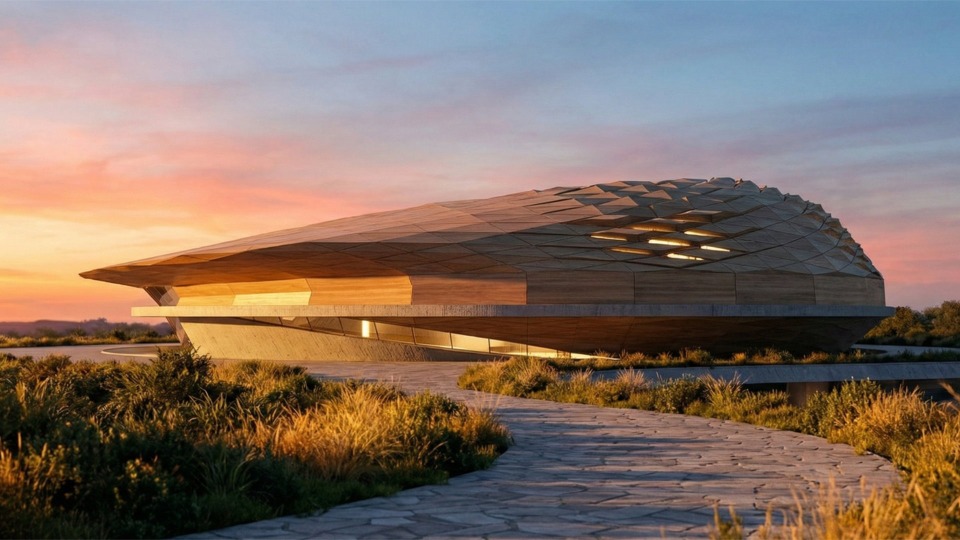
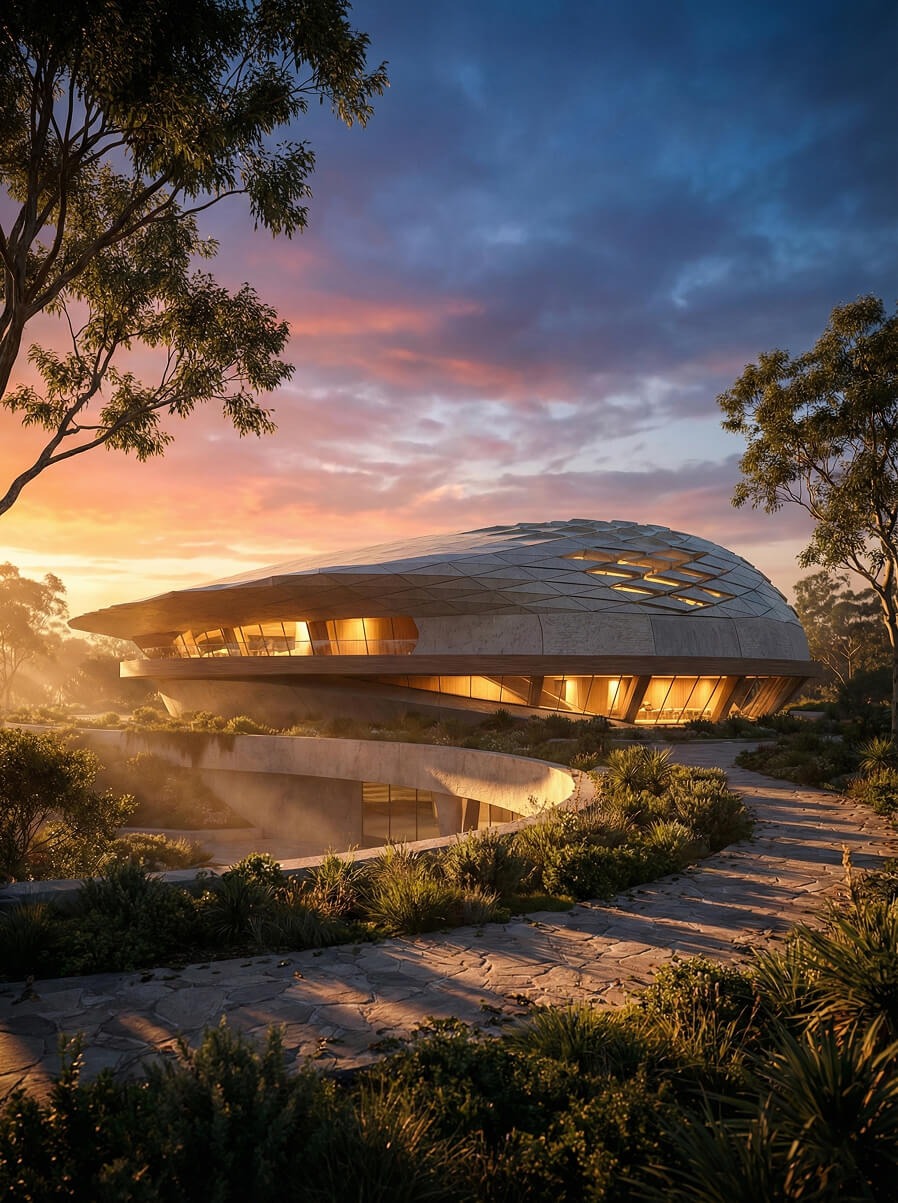
Learn to create high-end architectural concepts by mastering Cinema 4D’s advanced Mograph and Fields toolsets to build everything from organic stadiums to coastal villas. This course bridges the gap between 3D drafting and photorealism, teaching you to transform simple screenshots into professional renders using the Google Gemini Nano Banana workflow.
Course Level Beginner, Intermediate
Length 5 Hours 30 Minutes
Prerequisites No Prior Experience Required
Software + Tools Cinema 4D 2026 or later, Google Gemini, Google Image Flash / Nano Banana (Browser-based AI)
Audio Language English
After-hours Support Text & Image-based for 30 days after the live event.
Certificate Available upon successful completion of the final assignment.
Format High quality video production (Pre-recorded, ready to watch on-demand)
3% Cashback as Credits
✔ *Lifetime Access to Recordings
✔ Live Sessions / Text Based Support
✔ Use Credits to get up to 50% Discount
Along with many other courses.
✔ Multiple Courses by Various Instructors
✔ Weekly New Content Added
✔ Watch on Demand
✔ Live Sessions / Text Based Support
✔ Get 50% of Purchase Back as Credits
What You’ll Learn?
This workshop is designed for beginners with no prior knowledge of ComfyUI. The aim is to produce precise results of an existing site image or a project image in the form of images, videos, and 3D models, with most of the work carried out locally to ensure security and control.
Course Curriculum:
Module 1: Introductory Session
1.1 Setup & Shortcuts.
1.2 The Mini House: Building a small house model from start to finish using the new setup.
Module 2: Course Core (The 5 Conceptual Projects)
2.1 Small Pavilion Concept: Topic: Learning basic modeling tools and primitive manipulation .
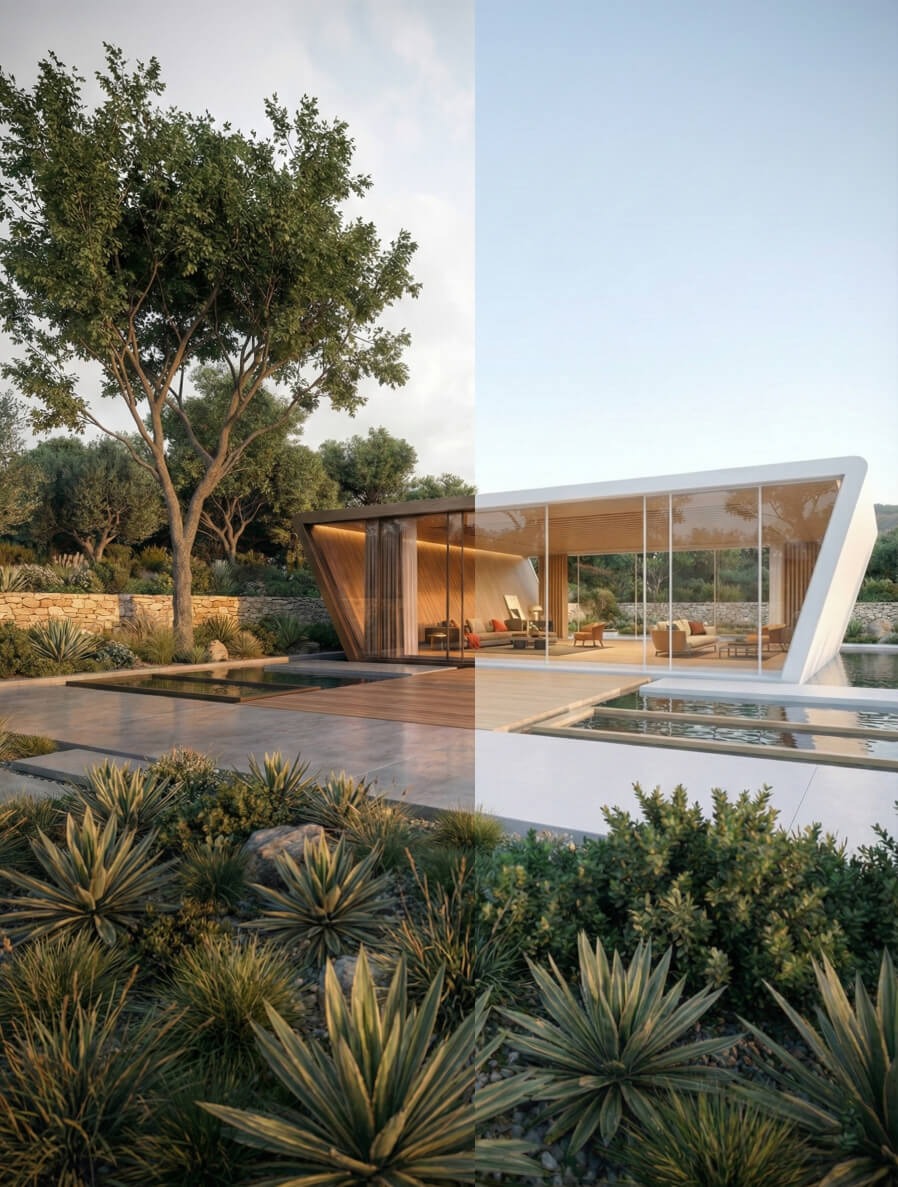
2.2 Villa on the Shore: Topic: Using Boolean operations for cuts and Mograph for repetitive elements (columns/louvers).
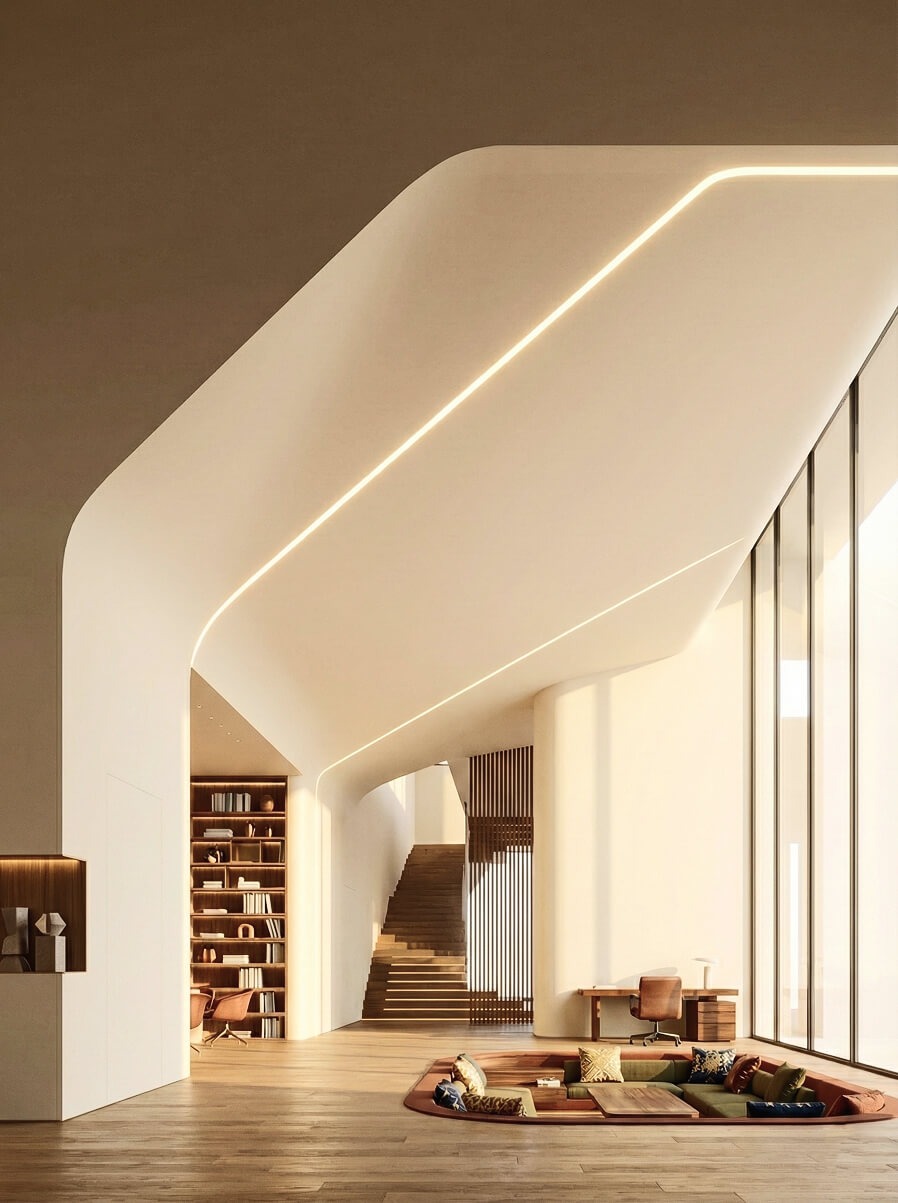
2.3 Fluid Shape Interior: Topic: Polygonal modeling, bevel elements, and matching camera perspectives. Action: Intermediate Assignment: At the end of this video, assign students to create a variation of the fluid interior using the camera matching technique .
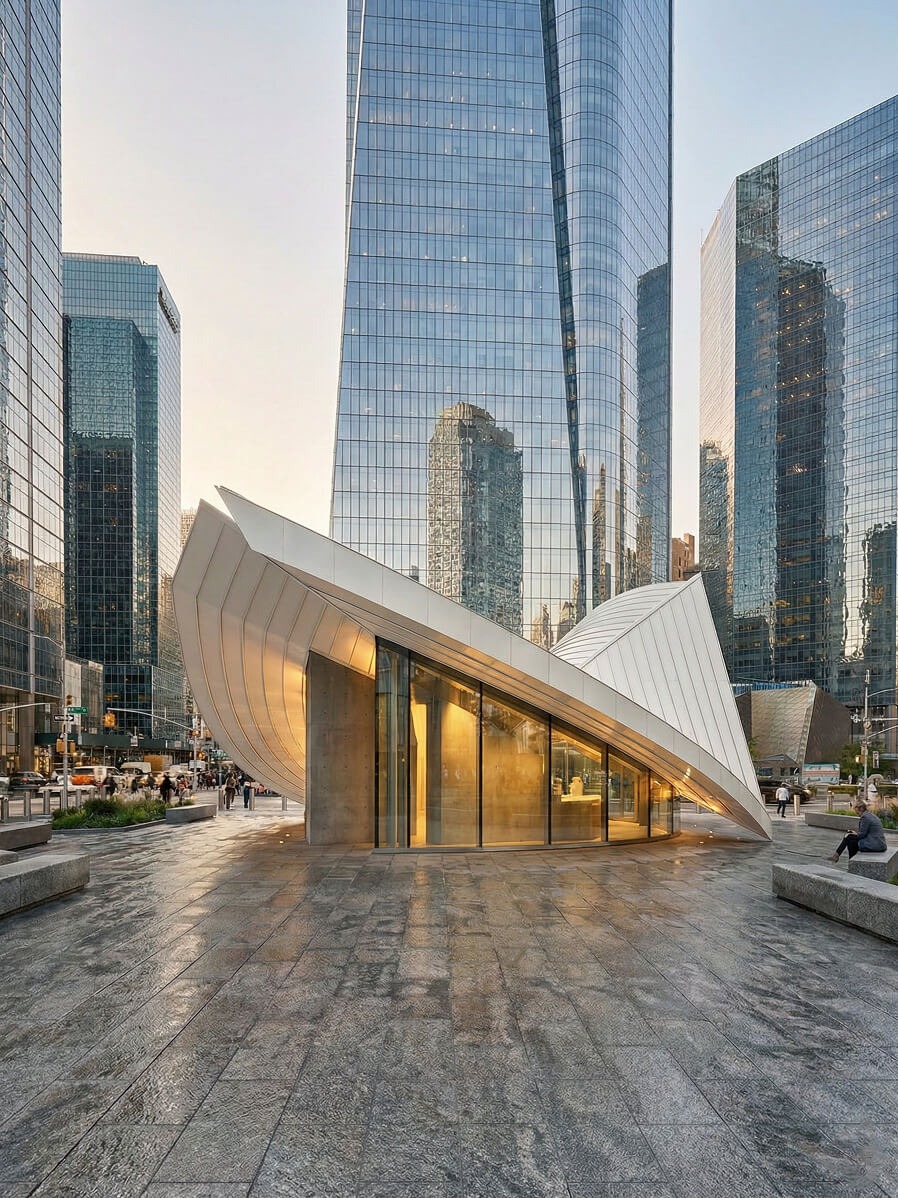
2.4 Curved Pavilion: Topic: Using Symmetry objects and Subdivision Surface (SDS) for organic hard-surface modeling.
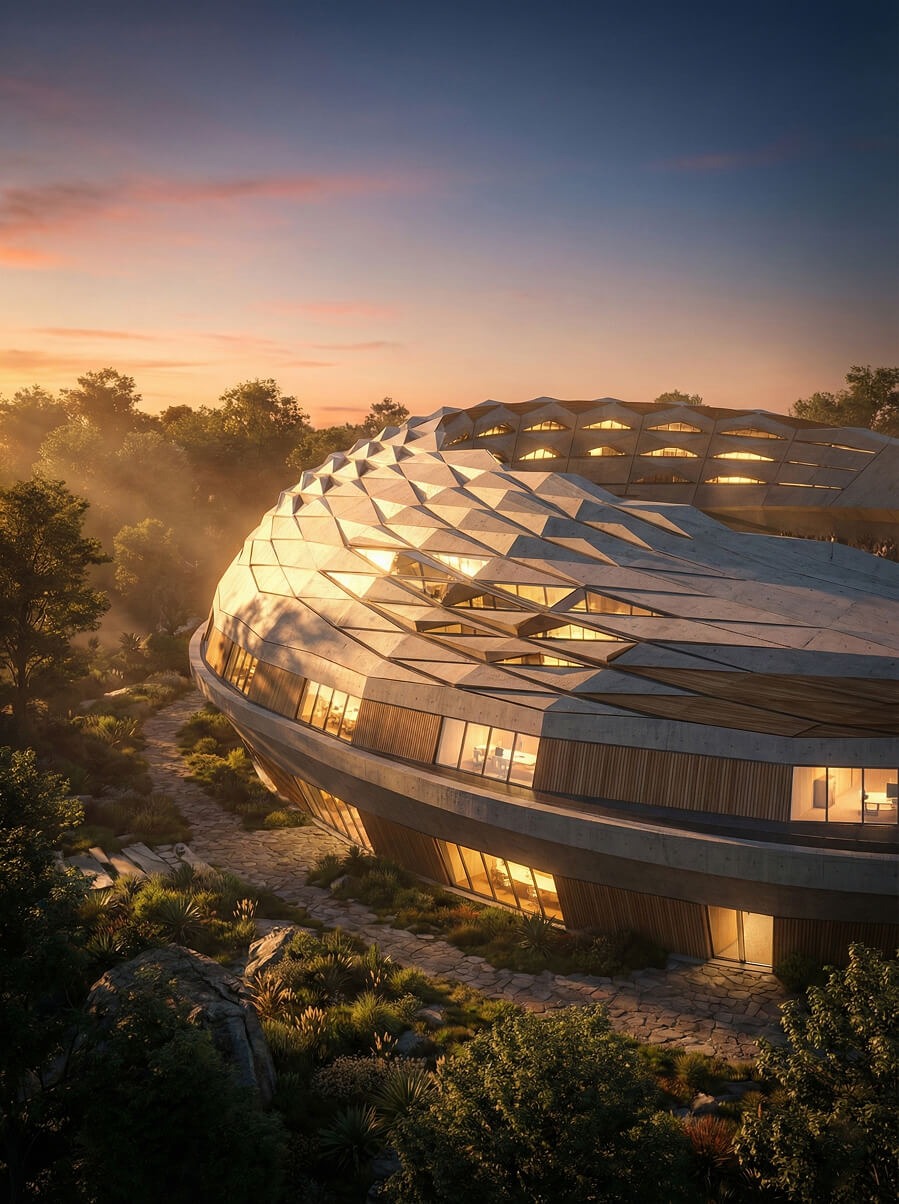
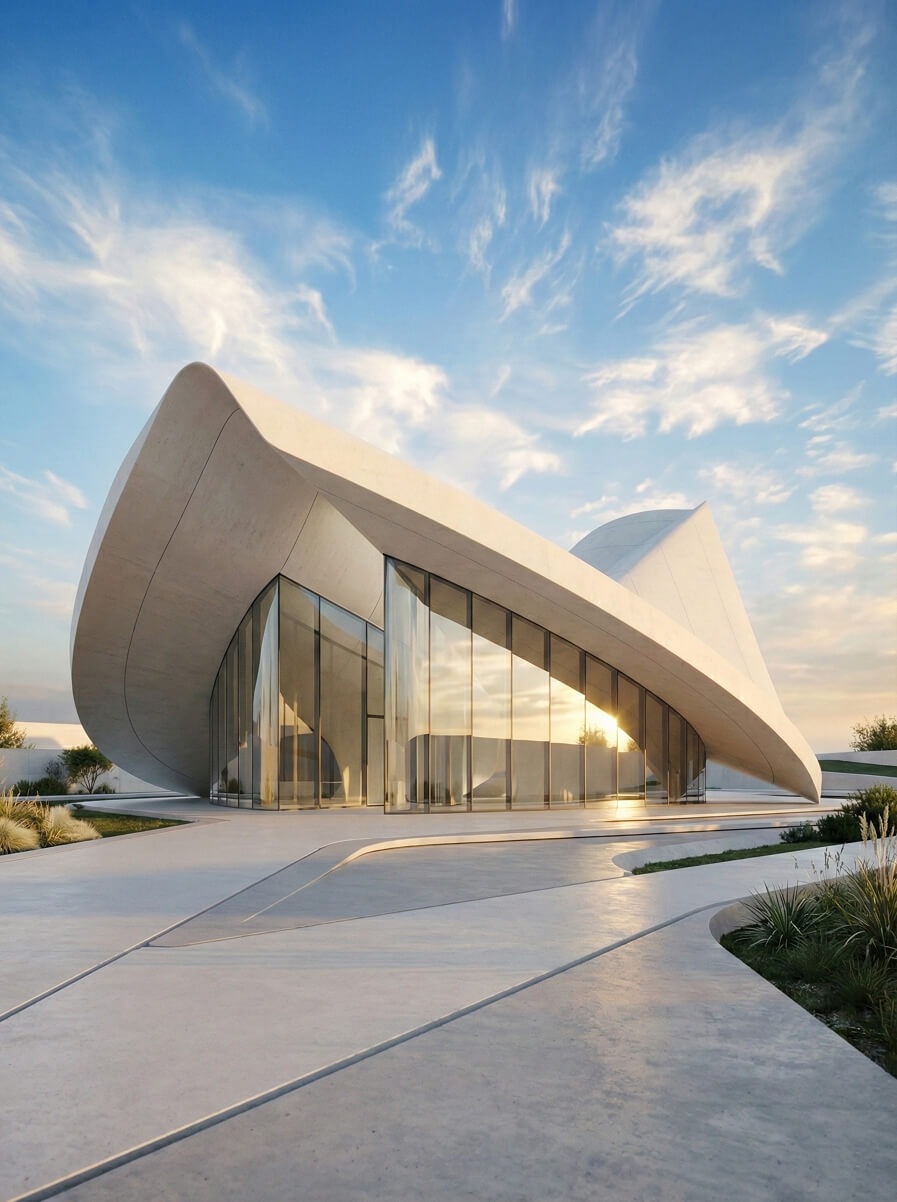
2.5 Stadium Shape Concept (45 min): Topic: Advanced Mograph, Fields for falloff control, and large-scale Subdivision modeling.
Module 3: Final Assignment & Conclusion
3.1 Final Assignment Brief
The Task: "Design a Landmark." Combine the Mograph techniques (from the Stadium) and Booleans (from the Villa) to create a unique landmark structure.
3.2 Conclusion
Module 4: Bonus Session (AI Workflow)
4.1 From Screenshot to Realism:
Topic: Taking the raw viewport screenshots from Module 2 (the Villa, Stadium, etc.) and processing them into realistic renders using Google Gemini Nano Banana .
Objectives
🟣 Master Cinema 4D Efficiency: Configure a professional workspace and utilize custom shortcuts to accelerate the transition from a blank canvas to a refined 3D architectural draft.
🟣 Execute Advanced Procedural Modeling: Utilize Mograph cloner systems, Booleans, and Fields to create complex, repetitive, and adaptive architectural elements such as louvers, columns, and organic facades.
🟣 Model Diverse Architectural Typologies: Apply specific workflows (Subdivision Surfaces, Symmetry, and Polygonal modeling) to construct five distinct structures ranging from rigid Seaside Villas to fluid, Organic Stadiums.
🟣 Implement Camera Matching & Perspectives: Align 3D geometry with specific viewpoints to create compelling interior and exterior compositions that respect architectural scale and depth.
🟣 Integrate AI-Driven Visualization: Bridge the gap between technical drafts and photorealism by using Google Gemini Nano Banana to transform raw viewport screenshots into high-fidelity, realistic renders.
🟣 Synthesize Complex Systems: Design a unique "Landmark" structure by hybridizing multiple modeling techniques, demonstrating a high-level command of both geometric logic and aesthetic form.
Images Courtesy: Erfan Habibpour
Architect, Concept Designer &
Unreal Engine Developer
Yes, you'll receive a certificate of completion for the registered workshop, provided you complete the final assignment and it is approved.
This course includes lifetime access to all content for as long as the Futurly platform exists. Instructor support is only available for a limited time after purchase. For details, see our Lifetime Access Policy.
Unless you get the course through Futurly+ membership, then you'd have access to the course (along with many others) as long as you are a member.
Group & Team Discounts: Special pricing is available for groups of 5 or more. Email us at hello@futurly.com with the number of participants, and we’ll get back to you with a custom offer.
Institutional Discounts: If you represent an institution and wish to enroll 10 or more of your students, faculty, or staff, reach out to hello@futurly.com for special pricing.
If you are a Futurly+ member, you get 30% of your membership purchase amount back as Credits, which you can use to purchase standalone courses and workshops, such as this one, with up to a 30% discount on your cart's value. Feel free to use your accumulated Credits at checkout to get a members' special discount. You can learn more about the membership here.
Nope, nothing except the bare basics like having a computer that can run Cinema 4D and installation of the required software to follow along.
Please drop us a mail about this at hello@futurly.com and give us a clear explanation of your situation, we'll do our best to make something work for you.
You can use the Futurly Dashboard to comment on the video and get your doubts clarified by the instructor. You may also post images to explain your doubts further.
There won't be refunds. However, in special circumstances, the registration shall be transferable to another individual, before the launch of the Workshop/series.
We currently accept payments through all major Credit & Debit Cards. We also support custom PayPal Registration Link / Crypto Payments in special circumstances. Send us an email to hello@futurly.com with your name & course details, in case you're having trouble with payments and we will take it from there.
We'll do our best to solve your problem, drop us an e-mail here. Or reach out to us directly using the chat button on this page.